
























Best Software to Migrate OLM to PST – Complete Guide to Secure Email Migration
Discover the best software to migrate OLM to PST. Explore conversion features, bulk migration, attachment support, and step-by-step instructions.

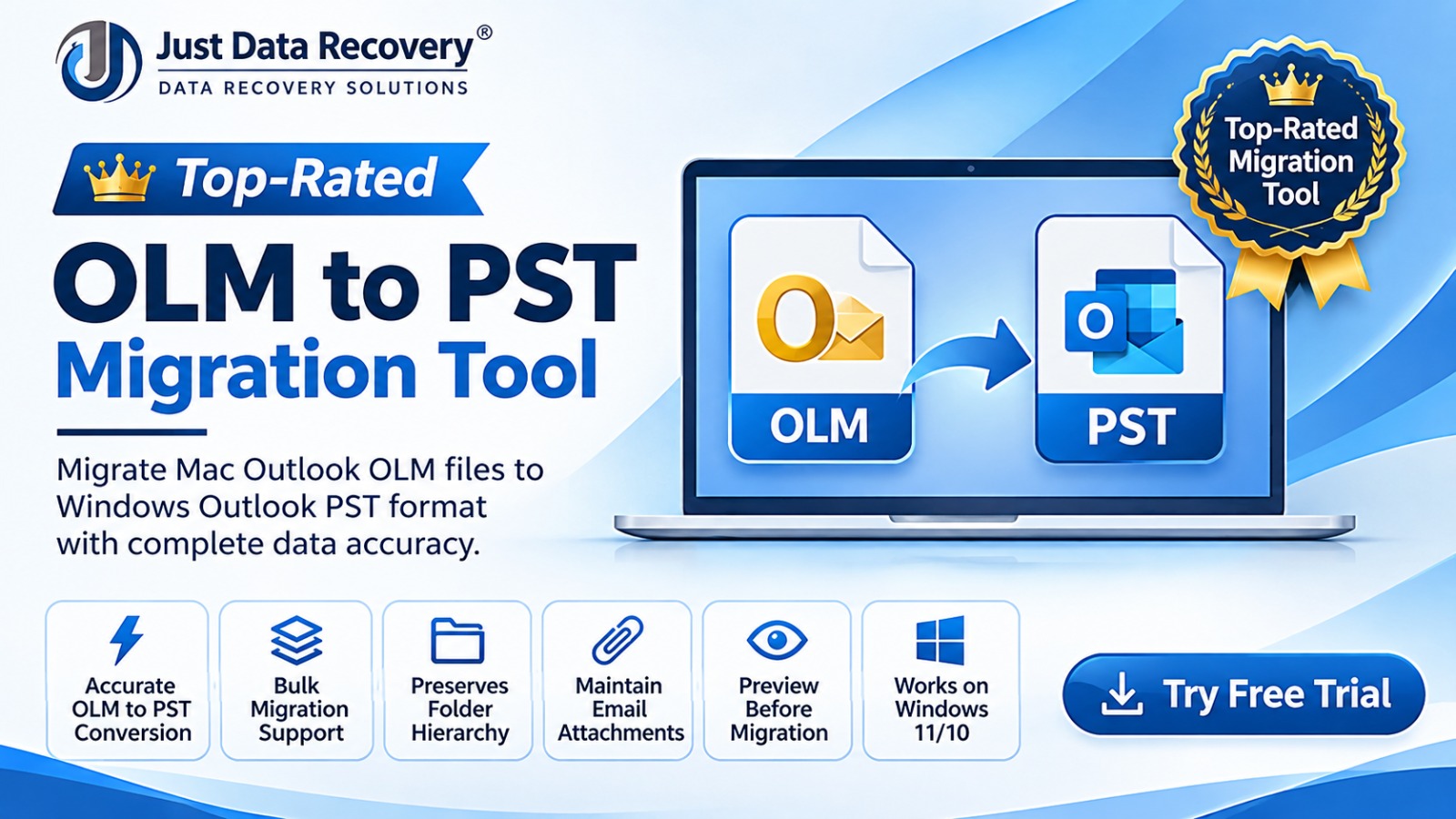
Are you looking for the best software to migrate OLM to PST without losing important email information? Moving from Mac Outlook to Windows Outlook can be challenging because both platforms use different mailbox file formats. Mac Outlook stores mailbox information in OLM files, whereas Windows Outlook primarily uses PST files.
For users who want to transfer emails, attachments, contacts, calendars, and other mailbox information, choosing the right OLM to PST Converter Software is essential. A professional migration solution can simplify the conversion process, reduce manual effort, and help maintain mailbox organization.
Whether you are an individual user, business professional, or IT administrator, selecting reliable software can make your email migration process more manageable.
This article explains what makes the best software to migrate OLM to PST, its important features, benefits, working process, and factors to consider before purchasing a migration tool.
What Is OLM to PST Migration Software?
OLM to PST Migration Software is a specialized application designed to convert Mac Outlook OLM files into PST format for compatibility with supported Windows Outlook versions.
An OLM file can contain different types of mailbox information, such as:
-
Emails and email attachments
-
Inbox and Sent Items folders
-
Drafts and archived messages
-
Contacts and address book entries
-
Calendar appointments and events
-
Tasks and other supported mailbox information
Since OLM and PST are different file formats, users generally need a suitable migration method to transfer their mailbox information between Mac and Windows Outlook environments.
Professional OLM to PST Converter Software provides a convenient approach to converting supported mailbox data into an Outlook-compatible PST file.
Why Do Users Need the Best Software to Migrate OLM to PST?
There are several situations where users may need a dedicated OLM to PST migration solution.
1. Switching from Mac to Windows
Many professionals move from macOS computers to Windows systems. During this transition, they may need to access their previous Mac Outlook emails in Windows Outlook. Converting OLM files into PST format can help facilitate this process.
2. Business Email Migration
Organizations frequently update their computer systems and email management environments. Migrating OLM files into PST format can help businesses transfer supported mailbox information into a Windows-based Outlook environment.
3. Email Backup and Archiving
Users may want to maintain an additional copy of their important email information. PST files provide a commonly used format for storing Outlook mailbox data and supporting email archiving workflows.
4. Managing Multiple Mailboxes
IT administrators and business professionals sometimes handle several OLM files. Software offering bulk conversion capabilities can simplify the migration of multiple mailbox files.
Key Features of the Best OLM to PST Converter Software
Choosing the right OLM to PST migration tool requires evaluating its technical features and data-handling capabilities.
1. Accurate OLM to PST Conversion
A reliable converter should accurately process supported OLM mailbox information and create usable PST output. It should aim to preserve original email properties, message formatting, and supported mailbox content.
2. Bulk OLM to PST Migration
Bulk conversion is useful when users need to migrate multiple OLM files. Instead of processing every mailbox separately, users can take advantage of batch processing when supported by the application.
This functionality can save time for organizations managing several email accounts.
3. Email Attachment Preservation
Business emails frequently contain important attachments, including PDF documents, Word files, Excel spreadsheets, and images.
The best OLM to PST migration software should support attachment conversion and help maintain the relationship between email messages and their associated attachments.
4. Folder Hierarchy Maintenance
Mailbox organization is important for efficient email management. A suitable migration application should preserve supported folder structures, including Inbox, Sent Items, Drafts, and custom folders.
This helps users locate their migrated email information more easily.
5. Preview Before Migration
A preview option allows users to inspect available mailbox data before starting the conversion process. It can help identify the required folders and review the source information.
6. Windows Compatibility
Before purchasing software, check whether it supports your Windows operating system, including Windows 10 and Windows 11. Also verify the supported Outlook versions and any installation requirements.
7. Simple User Interface
A user-friendly interface makes migration easier for people without advanced technical knowledge. Features such as file browsing, mailbox scanning, preview, and export options should be clearly organized.
How to Migrate OLM to PST Using Professional Software
Users can follow a straightforward workflow when working with a compatible OLM to PST conversion application.
Step 1: Install the Software
Download and install a trusted OLM to PST Converter Software application on your Windows computer.
Step 2: Select the OLM File
Open the application and browse your computer to locate the OLM file you want to migrate.
Step 3: Scan the Selected File
Start the scanning process so that the software can identify supported mailbox folders and email information.
Step 4: Preview Mailbox Data
Review the available emails, folders, and other supported mailbox items before proceeding.
Step 5: Choose PST Format
Select PST as the destination format and configure the available export settings according to your requirements.
Step 6: Start the Conversion
Choose a destination folder on your computer and begin the OLM to PST migration process.
Step 7: Verify the PST File
After conversion, open the resulting PST file in a compatible Windows Outlook application. Check the migrated emails, attachments, and folder organization.
Important: Always create a backup of the original OLM file before beginning migration. The exact conversion steps depend on the software you select.
Manual Method vs. Professional OLM to PST Migration Software
Users can consider manual migration methods or dedicated conversion applications depending on their requirements.
| Comparison | Manual method | Professional software |
|---|---|---|
| Migration process | Requires multiple steps | Usually guided |
| Bulk conversion | Depends on workflow | May support batch conversion |
| Attachment handling | Requires verification | May support attachment conversion |
| Folder structure | Depends on method | May preserve supported hierarchy |
| Technical knowledge | May require more expertise | Often beginner-friendly |
| Processing | More manual involvement | May automate conversion |
For users managing large mailboxes or multiple OLM files, dedicated migration software may provide a more convenient workflow.
How to Choose the Best Software to Migrate OLM to PST
Before purchasing an OLM to PST Converter, evaluate the following factors:
-
Conversion accuracy: Check whether the software correctly processes supported mailbox information.
-
Bulk migration: Look for batch processing if you have multiple OLM files.
-
Attachment support: Verify that email attachments are included in the conversion.
-
Folder preservation: Check whether the original mailbox organization is maintained.
-
Preview functionality: Prefer applications that allow mailbox inspection before conversion.
-
Operating system compatibility: Confirm Windows version requirements.
-
Data security: Review the vendor's privacy policy and file-processing practices.
-
Customer support: Check the availability of technical assistance.
-
Free trial: Test the application before purchasing a full license.
-
Pricing: Compare license options, limitations, and available features.
Testing the application with a copy of your actual OLM data is a practical way to determine whether it meets your migration requirements.
Why Consider Just Data Recovery for OLM to PST Migration?
Just Data Recovery is a software brand focused on data recovery and email migration solutions. Users searching for professional OLM to PST migration software can evaluate its relevant product offering based on their technical requirements.
When considering Stella Data Recovery, review the available product features, supported OLM files, conversion options, system compatibility, and licensing information.
A free trial, if available, can help users understand the software interface and evaluate its conversion capabilities before purchasing the full version.
For businesses and individual users, choosing a migration solution that matches their mailbox size, data requirements, and operating environment is an important step toward successful email migration.
Common Challenges During OLM to PST Migration
Although dedicated software can simplify the conversion process, users should be aware of potential challenges.
Large OLM Files: Large mailbox files may require additional disk space and processing time.
Corrupted OLM Files: Damaged source files may create scanning or conversion difficulties. Not every migration application supports severely corrupted files.
Attachment Issues: Users should verify important attachments after conversion.
Mailbox Structure Differences: Certain mailbox properties may not have direct equivalents between Mac Outlook and Windows Outlook.
Outlook Compatibility: The resulting PST file should be tested with the intended Outlook version.
Preparing the source mailbox and verifying the converted PST file can help reduce migration problems.
Frequently Asked Questions (FAQs)
1. What is the best software to migrate OLM to PST?
The best software should provide accurate conversion, attachment support, folder preservation, bulk migration options, and compatibility with your Windows and Outlook environment.
2. Can I migrate OLM to PST without Outlook?
Some dedicated OLM to PST conversion applications can convert source files without requiring Outlook to be installed during conversion. However, compatible Outlook software may be needed to open and verify the resulting PST file.
3. Does OLM to PST migration preserve email attachments?
Many professional converters support email attachment migration. Users should test the application to verify the results.
4. Can I migrate multiple OLM files to PST?
Yes, some professional migration tools provide bulk conversion functionality for processing multiple OLM files.
5. Is OLM to PST migration possible on Windows 11?
Yes, provided that the selected conversion software supports Windows 11 and meets its installation and system requirements.
6. Should I use free or paid OLM to PST software?
Free tools may have limitations in features, file handling, or conversion capacity. Paid software may provide additional functionality and technical support. Compare the available features before making a decision.
Conclusion
Finding the best software to migrate OLM to PST is important for users who want to transfer Mac Outlook mailbox information into a Windows Outlook environment. A suitable migration application can simplify conversion, support bulk processing, maintain supported attachments, and help preserve mailbox organization.
Before choosing a solution, evaluate its conversion accuracy, compatibility, preview functionality, data security, and pricing. Testing the software with sample mailbox data is recommended to ensure it meets your expectations.
Just Data Recovery is a brand worth exploring when evaluating professional email migration solutions. Choose an appropriate OLM to PST Converter Software application and make your Mac Outlook to Windows Outlook migration more organized and manageable.
Call to Action: Want to migrate Mac Outlook OLM files to Windows Outlook PST format? Explore professional OLM to PST migration software, evaluate its features, and try the available free trial before purchasing.
What's Your Reaction?
 Like
0
 Dislike
0
 Love
0
 Funny
0
 Angry
0
 Sad
0
 Wow
0