





















Cloud Gaming Computer: Explore Flexible Cloud Gaming Services with SensePC
Modern cloud gaming services make PC gaming more flexible by allowing users to access games and computing resources over the internet.
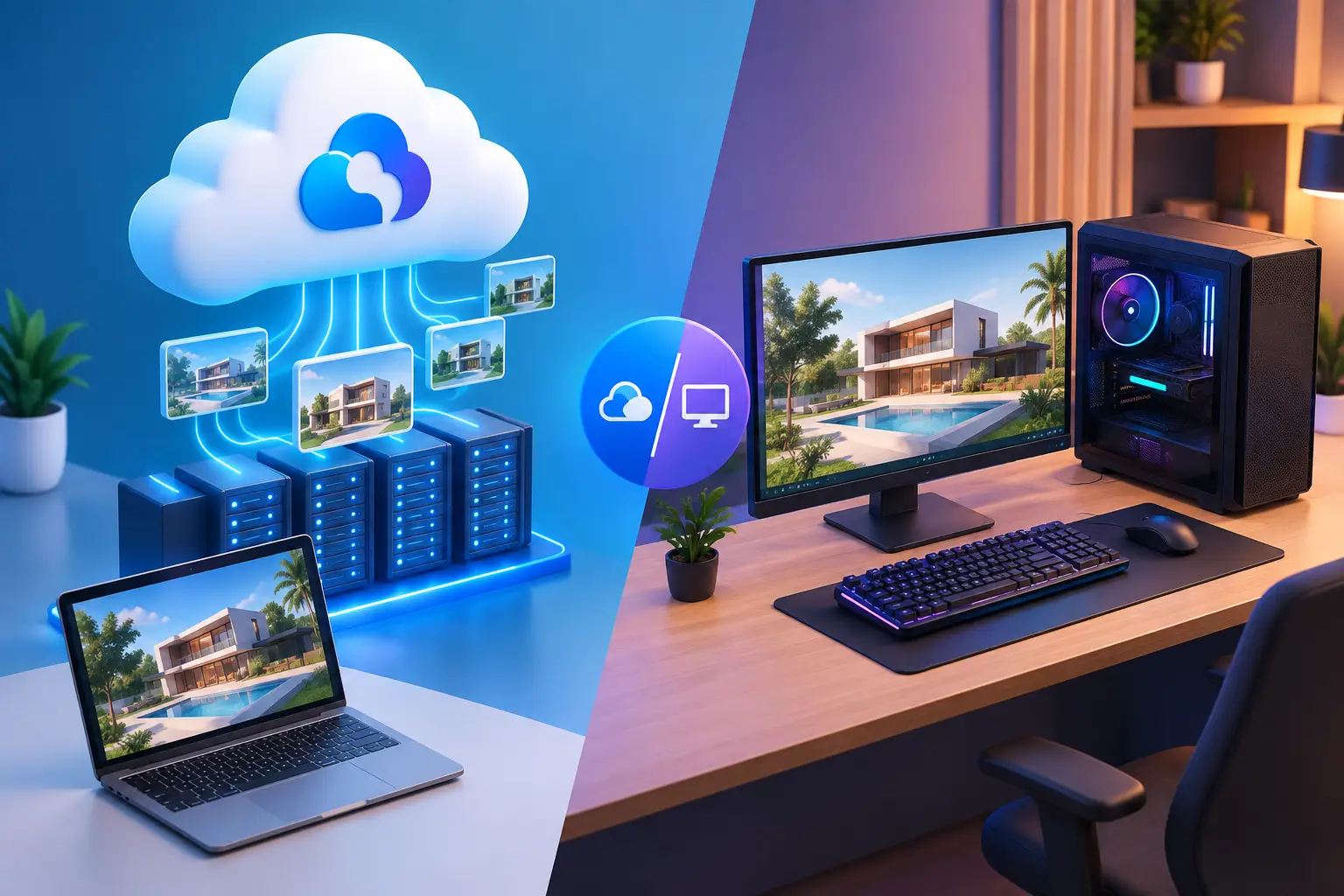
A cloud gaming computer gives you access to a powerful remote PC without purchasing or maintaining an expensive physical gaming desktop. Instead of relying on your laptop or personal computer to handle demanding games, you connect to a remote machine that processes the workload and streams the display to your device.
Modern cloud gaming services make PC gaming more flexible by allowing users to access games and computing resources over the internet. Whether you want to play compatible PC games, use a Windows desktop remotely, or access GPU-powered computing, SensePC offers cloud PC rental options designed for different needs.
What Is a Cloud Gaming Computer?
A cloud gaming computer is a remote PC hosted in a data center. It uses dedicated computing resources, including a processor, memory, storage, and graphics hardware, to run compatible games and applications.
You control the remote computer through an internet connection. Your keyboard, mouse, and controller inputs are sent to the cloud PC, while its screen is streamed back to your local device.
Unlike some cloud gaming platforms that only provide access to a predefined game catalogue, a full cloud PC gives you a Windows desktop environment. This provides more flexibility to access supported launchers, install compatible games, and use other desktop applications.
How Do Cloud Gaming Services Work?
Cloud gaming services generally work by running games on remote servers rather than on your local hardware.
The process typically involves:
-
Choose a service: Select a cloud gaming platform or a complete cloud PC rental.
-
Connect remotely: Access the service through a supported browser or application.
-
Launch your game: Start a supported game or launcher on the remote system.
-
Stream gameplay: Receive the video and audio stream on your device.
-
Control remotely: Send your inputs over the internet while the cloud computer handles processing.
A stable internet connection, low latency, and a suitable server location help improve the experience.
Why Choose a Cloud Gaming PC Instead of Buying Hardware?
Buying a gaming computer can involve a substantial upfront expense. A cloud gaming computer provides another way to access remote computing resources without purchasing a dedicated desktop.
Some advantages include:
-
Flexible access: Connect to a remote gaming PC when you need it.
-
Device compatibility: Use supported Windows computers, laptops, and Macs.
-
Remote GPU power: Access graphics resources hosted in the cloud.
-
No local hardware upgrade: Run compatible workloads remotely.
-
Flexible billing: Choose a rental period that matches your usage.
Cloud gaming is not completely independent of local hardware. Your device still needs to decode the video stream and maintain a reliable connection.
Experience Cloud Gaming with SensePC
SensePC provides Windows 11 cloud computers that users can rent and access remotely. Its Xtreme gaming configurations feature NVIDIA L4 graphics with 24 GB of GPU memory, offering remote GPU resources for compatible games and demanding applications.
With SensePC, users can access a complete Windows desktop rather than being limited to a single game-streaming interface.
Key features include:
-
Windows 11 cloud desktop access.
-
NVIDIA L4 GPU configurations.
-
Steam and Epic Games Launcher readiness on Xtreme configurations.
-
Persistent SSD storage for supported files, games, and settings.
-
Remote access through supported browser and native viewer options.
-
Hourly, Daily, and Monthly rental options.
Users provide their own game accounts and licences and can install compatible games. Compatibility may vary depending on game requirements, publisher restrictions, and anti-cheat systems.
Flexible Cloud PC Rental Options
SensePC offers different rental options for different usage patterns:
-
Hourly: For occasional gaming or short computing sessions.
-
Daily: For users who need access over a day.
-
Monthly: For recurring access to a remote cloud computer.
Compute billing applies while the cloud PC is running. Persistent storage may continue to be billed when the computer is stopped.
Who Should Use a Cloud Gaming Computer?
A cloud gaming computer can be useful for gamers who want remote GPU access, laptop and Mac users who need a Windows gaming environment, and people who prefer renting computing resources instead of buying expensive hardware.
It can also support other workloads that benefit from a remote Windows desktop.
Start Cloud Gaming with SensePC
Cloud gaming services provide new ways to access PC gaming resources without building a traditional gaming setup. With remote Windows desktops, NVIDIA L4 GPU configurations, and flexible rental plans, SensePC offers an alternative for users who want a cloud gaming computer they can access remotely.
Explore SensePC plans and choose a configuration that matches your gaming and computing requirements.
What's Your Reaction?
 Like
0
 Dislike
0
 Love
0
 Funny
0
 Angry
0
 Sad
0
 Wow
0