





















Paperspace Cloud Gaming: Choosing the Right Cloud Game PC
Cloud computing offers an alternative. Instead of running everything on a local computer, users can connect to remote hardware and access computing resources over the internet.
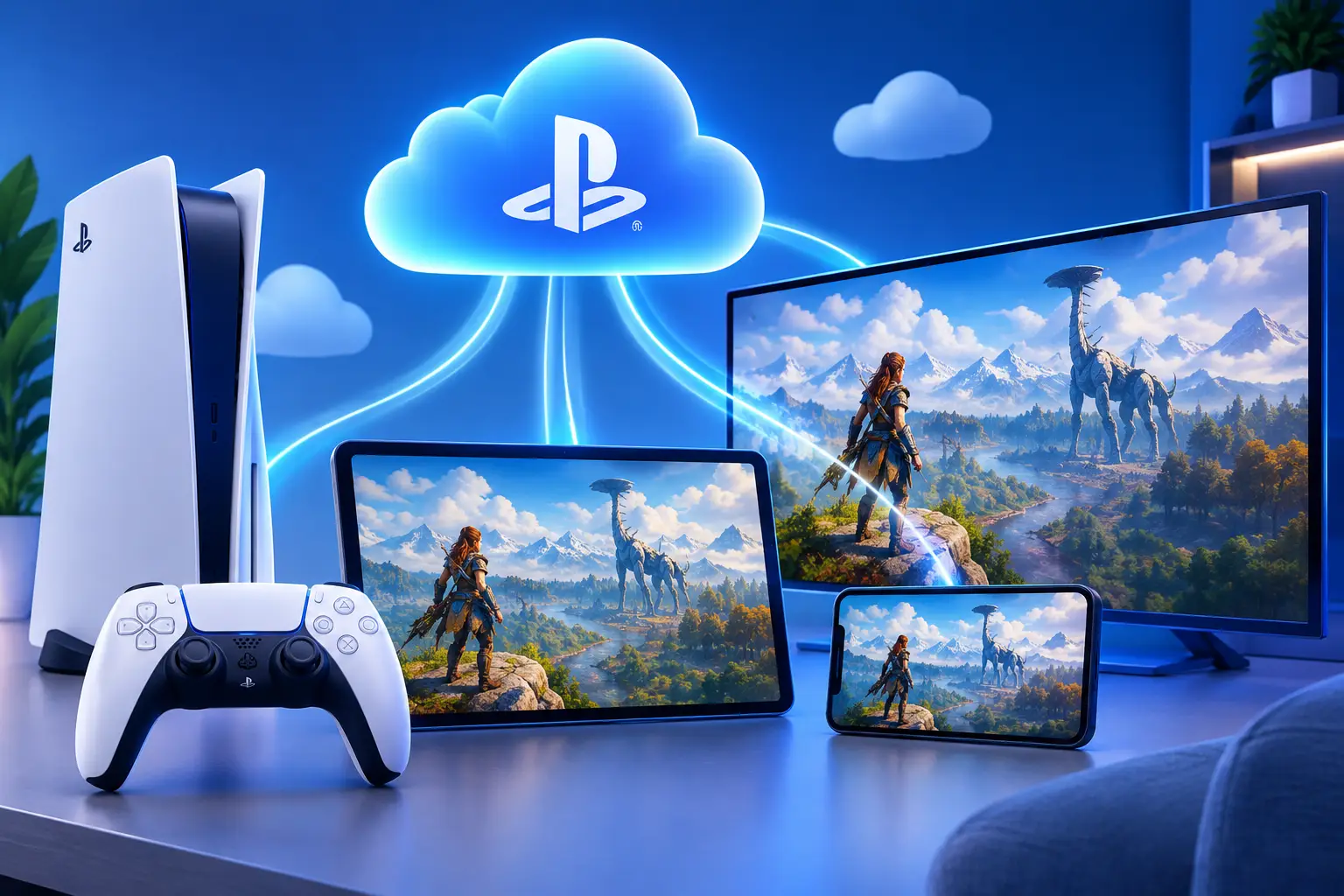
PC gaming has traditionally required a computer with enough processing power, memory, and graphics performance to run demanding games. For users with older laptops or entry-level desktops, upgrading to a high-performance gaming machine can be expensive.
Cloud computing offers an alternative. Instead of running everything on a local computer, users can connect to remote hardware and access computing resources over the internet.
Paperspace is known for its GPU-powered cloud machines and computing services. Meanwhile, gaming-focused platforms such as SensePC provide another way to access a remote PC for compatible games and applications.
Understanding how these services differ can help you choose a cloud game PC that fits your gaming preferences, technical requirements, and budget.
What Is Paperspace Cloud Gaming?
Paperspace, part of DigitalOcean, provides cloud computing resources that include virtual machines with CPU and GPU configurations. Its infrastructure supports workloads such as machine learning, graphics processing, development, and other computing tasks.
GPU-powered virtual machines can also be relevant to graphics-intensive applications, including some gaming workloads. However, using a cloud GPU for gaming is not necessarily as straightforward as subscribing to a dedicated cloud gaming service.
Users should consider the operating system, remote desktop connection method, GPU availability, driver compatibility, and configuration requirements before attempting to use a general-purpose cloud machine for gaming.
Paperspace's product documentation focuses on its virtual machines and GPU computing capabilities. Availability of particular machine types and operating system options should be checked before building a gaming setup.
How Does a Cloud Game PC Work?
A cloud game PC is a remote computer that runs a game and streams its output to your local device.
When you connect to the cloud computer, your keyboard, mouse, or controller sends inputs to the remote machine. The remote hardware processes the game and streams the resulting image and audio back to your screen.
This arrangement can make demanding games accessible from devices that lack powerful local graphics hardware.
A cloud game PC typically involves four components:
-
GPU: Processes graphics and visual effects.
-
CPU: Handles game logic and other general computing tasks.
-
Memory and storage: Support applications, game files, and system operations.
-
Network connection: Transfers your inputs to the remote PC and streams gameplay back to your device.
The overall experience depends on how these components work together. A powerful GPU cannot compensate entirely for a slow CPU, insufficient memory, incompatible software, or a poor internet connection.
Paperspace vs. a Dedicated Cloud Gaming PC
One of the most important decisions is whether to configure a general-purpose GPU machine or use a cloud PC designed for gaming.
General-Purpose GPU Cloud Machines
GPU cloud machines provide computing resources that can be configured for specific technical workloads. They can be useful for developers, researchers, creators, and users who need accelerated computing.
However, a general-purpose virtual machine may require additional setup before it can be used for gaming. Operating system availability, graphics drivers, remote display software, and game compatibility can all affect whether a particular setup works.
For this reason, users should not assume that every GPU instance is a ready-to-play gaming computer.
Dedicated Cloud Gaming PCs
A dedicated cloud gaming PC focuses on providing a remote desktop environment for playing compatible PC games.
Depending on the provider, it may offer a Windows operating system, supported game launchers, persistent storage, and a connection method designed for interactive desktop use.
This can simplify the process for people who want to sign in, install their games, and start playing without configuring a general-purpose computing environment from scratch.
What Should You Compare Before Choosing a Cloud Game PC?
Choosing a cloud gaming service requires more than comparing GPU names. Consider the following factors before selecting a provider.
1. GPU and CPU Performance
The GPU affects how a system handles graphics-intensive games, while the CPU influences game logic, simulation, and other processing tasks.
Check the actual hardware specifications of the configuration you intend to use. Also compare available system memory and storage with the requirements of your preferred games.
A GPU model alone does not guarantee a particular frame rate. Performance varies according to the game, configuration, drivers, resolution, and graphics settings.
2. Operating System and Game Compatibility
Many PC games are designed for Windows, but not every cloud computing service offers the same operating system options.
Before choosing a platform, confirm that it supports the operating system, game launcher, and software you need.
Some games may also restrict virtualized environments or require anti-cheat features that are unavailable in particular cloud configurations. Check compatibility before paying for a machine.
3. Streaming and Remote Desktop Quality
Cloud gaming requires a responsive connection between your local device and the remote computer.
Latency can be particularly noticeable in competitive games, where a delay between input and on-screen action can affect gameplay.
Look for a provider with a suitable server region and a connection method designed for interactive desktop sessions. Ethernet or a stable, uncongested Wi-Fi connection can also help.
Your actual results depend on network routing, server distance, bandwidth, packet loss, and the provider's streaming configuration.
4. Storage and Game Installation
Modern PC games can occupy considerable storage space. A cloud gaming service should provide enough storage for your games, launchers, updates, and other files.
Persistent storage is especially useful because it allows installed games and settings to remain available between sessions.
Before choosing a plan, confirm how storage is billed and whether charges continue when the computer is stopped.
5. Pricing and Usage Flexibility
GPU cloud machines and gaming-focused cloud PCs can use different billing models.
Some services charge for compute time, while others offer subscriptions or daily and monthly usage options. Additional storage and other resources may be billed separately.
Estimate your expected gaming hours before choosing a plan. A flexible hourly option may suit occasional players, while a monthly arrangement could be more convenient for frequent users.
Always calculate the complete cost rather than comparing advertised hourly prices alone.
Why Consider SensePC for Cloud Gaming?
SensePC provides a full Windows 11 cloud PC designed for gaming and other computing workloads. It offers an alternative for people who want a remote Windows environment without purchasing and maintaining a dedicated gaming computer.
Rather than restricting users to a fixed catalog of streamed games, SensePC allows users to install compatible games and applications in their cloud desktop.
Windows 11 and Supported Game Launchers
SensePC Xtreme plans have Steam and Epic Games Launcher ready.
Users can sign in with their own accounts and install games they own, subject to compatibility requirements and publisher policies.
This approach can be useful for people who prefer managing their game libraries through familiar PC launchers.
However, having a Windows cloud desktop does not guarantee that every game will run. Anti-cheat systems, DRM, launcher requirements, and publisher restrictions can affect compatibility.
NVIDIA L4 Graphics on Xtreme Plans
SensePC Xtreme gaming configurations use an NVIDIA L4 GPU with 24 GB of GPU memory.
This provides a graphics-focused cloud computing environment, but actual gaming performance depends on the full configuration, the game, graphics settings, and network conditions.
When comparing plans, review the available CPU resources, system memory, and storage as well as the GPU specification.
Persistent Storage for Your Games
SensePC includes persistent SSD storage, allowing installed games, launchers, settings, and files to remain available between sessions while the PC and its storage are retained.
This can reduce the inconvenience of repeatedly downloading and configuring games.
Keep in mind that storage billing continues while the storage remains allocated, even when an hourly cloud PC is stopped.
Flexible Access Options
SensePC offers hourly, daily, and monthly access options.
Hourly access can suit users who need a cloud gaming PC occasionally. Daily and monthly plans may be more suitable for people with more regular usage patterns.
The right choice depends on how often you play, the configuration you need, and the storage you want to retain.
Browser Access and Performance Mode
SensePC supports browser access and offers Performance Mode through the native Amazon DCV client on supported Windows and macOS computers.
Performance Mode is recommended for gaming sessions where responsiveness matters. However, results depend on server location, network quality, configuration, and game requirements.
You can review the current options on the SensePC gaming page.
Paperspace or SensePC: Which Should You Choose?
Both services provide access to cloud computing resources, but they serve different needs and should be evaluated according to your intended workload.
| Consideration | Paperspace | SensePC |
|---|---|---|
| Primary focus | GPU cloud computing and virtual machines | Cloud desktops, including gaming-focused Windows PCs |
| Typical use cases | GPU workloads, development, machine learning, and supported graphics applications | PC gaming, remote desktop use, development, and other supported workloads |
| Gaming setup | Depends on machine type, OS availability, and configuration | Windows 11 gaming environment on Xtreme plans |
| GPU options | Vary by available machine type | NVIDIA L4 GPU on Xtreme gaming tiers |
| Game launchers | Depends on the operating system and configuration | Steam and Epic Games Launcher ready on Xtreme plans |
| Billing | Machine compute is billed according to the applicable pricing model; storage and add-ons may continue to incur charges when powered off | Hourly, daily, and monthly options, with storage billing rules depending on the plan |
| Best fit | Users who need configurable GPU computing resources | Users looking for a dedicated cloud desktop experience with flexible access options |
Choose based on the job you need the computer to do. Paperspace may be appropriate for technical users who need GPU computing and are comfortable configuring their environment. SensePC may be a better fit for users who want a Windows cloud gaming PC with familiar game launchers and flexible billing.
Before making a decision, verify current machine availability, operating system support, pricing, and compatibility with your intended applications.
Is Cloud Gaming Worth It Without a Powerful PC?
Cloud gaming can be an attractive option if your local device lacks the hardware needed for demanding games.
It can reduce the need for an upfront investment in a dedicated gaming computer and let you access remote computing resources from supported devices.
However, it is not the right solution for everyone. A cloud gaming PC requires a reliable internet connection, can introduce streaming latency, and may not support every game or peripheral.
Costs also depend on usage. Someone who plays for a few hours each month has different requirements from someone who uses a remote PC every day.
Comparing the total cost of cloud access with purchasing, powering, maintaining, and upgrading a local gaming computer can help you determine which option offers better value for your circumstances.
Final Thoughts
Paperspace cloud computing and dedicated cloud gaming PCs offer different ways to access remote computing power. A general-purpose GPU machine can be useful for technical workloads, while a gaming-focused cloud PC may provide a simpler route to running compatible PC games remotely.
Before choosing a service, compare GPU and CPU resources, operating system availability, game compatibility, remote desktop performance, storage, and pricing.
SensePC is worth considering if you want a Windows 11 cloud gaming PC with NVIDIA L4 graphics on Xtreme plans, persistent storage, and hourly, daily, or monthly access.
The best cloud game PC is the one that matches your preferred games, technical requirements, connection quality, and budget.
What's Your Reaction?
 Like
0
Like
0
 Dislike
0
Dislike
0
 Love
0
Love
0
 Funny
0
Funny
0
 Angry
0
Angry
0
 Sad
0
Sad
0
 Wow
0
Wow
0