



























Python GUI Frameworks and Libraries for Modern Application Development
Python GUI frameworks and libraries such as Tkinter, PyQt, PySide, Kivy, and wxPython to choose the right tools for building user-friendly desktop applications and interactive interfaces.
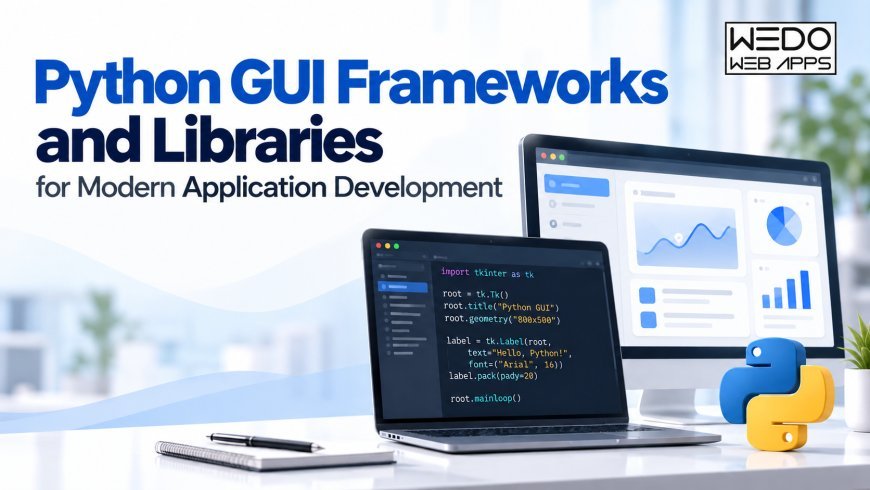
Python is often associated with automation, data analysis, and backend programming, but it can also be used to create desktop applications with interactive interfaces. From simple office utilities to software used for data visualisation, Python GUI development gives programmers a way to turn scripts and business processes into applications that people can operate through windows, buttons, menus, and forms.
Choosing a suitable framework is an important part of this process. Each Python GUI library has its own approach to interface design, platform support, and application development. The right choice depends on what the software needs to do and how its users will interact with it.
What Makes a Python GUI Application User-Friendly?
A useful graphical interface should help people complete tasks without unnecessary effort. Users should be able to understand the available options, find important controls, and recognise what happens after they perform an action.
For example, a desktop application used to manage customer records might include a search field, a table of results, and a form for updating details. Keeping these elements organised makes the application easier to operate than placing every available feature on a single screen.
Developers should also consider accessibility, screen size, keyboard navigation, and the way the application responds to errors. These requirements are important whether the software is intended for employees, customers, or technical teams.
Popular Python GUI Libraries and Their Uses
Tkinter for Small Desktop Tools
Tkinter is a practical starting point for developers who want to build simple graphical applications. It is included with many Python installations and provides basic components such as buttons, labels, text fields, and menus.
It can be used for calculators, file-processing utilities, data-entry tools, and small business applications. Its relatively straightforward structure makes it useful for learning GUI programming before moving to larger frameworks.
PyQt and PySide for Complex Applications
PyQt and PySide provide Python access to the Qt application framework. They offer a wide range of widgets and interface components for applications that need multiple screens, detailed forms, tables, or advanced controls.
These frameworks can support professional desktop software where the interface needs to handle several connected workflows. Developers should review the licensing terms of the selected Qt binding before using it in a commercial application.
Kivy for Touch-Based Interfaces
Kivy is designed for cross-platform graphical applications and supports touch interaction. It may be suitable for projects that need custom layouts or interfaces intended for mobile and desktop environments.
Its approach differs from traditional desktop toolkits, so developers should test how the application behaves on the devices and operating systems they plan to support.
wxPython for Native-Style Desktop Interfaces
wxPython connects Python with the wxWidgets toolkit. It provides interface components that can follow the familiar appearance and behaviour of desktop operating systems.
This makes it worth considering for applications where conventional menus, windows, and controls are important to the user experience.
Dear PyGui for Interactive Visual Tools
Dear PyGui is an option for applications that rely on interactive dashboards, visualisation, and dynamic controls. Its rendering approach can be useful for tools that display changing data or graphical information.
The framework should be evaluated against the application's actual performance needs rather than selected only because it offers a particular rendering feature.
Factors to Consider Before Selecting a Framework
The number of available Python GUI libraries can make the selection process confusing. A few practical questions can help narrow the options.
Application requirements: Identify the main tasks, interface components, and expected complexity before selecting a toolkit.
Platform support: Check whether the application needs to run on Windows, macOS, Linux, or mobile devices. Cross-platform support does not remove the need for testing on each target system.
Development experience: Consider the team's familiarity with Python, interface design, and the framework's programming model. Documentation and community resources can also affect development time.
Performance: Test the screens and operations that are most likely to place a load on the application. Large datasets, file processing, and frequent interface updates may require additional planning.
Licensing and deployment: Review licensing conditions, dependencies, packaging options, and installation requirements before committing to a framework.
Building an Application Around Real User Needs
A framework provides the components needed to create an interface, but the quality of the finished application depends on how those components are used.
Developers should test common user workflows, check whether important actions are easy to locate, and make sure the application provides clear feedback. Long-running operations should not leave the interface unresponsive, and error messages should explain what users can do next.
For business applications, it is also helpful to separate interface code from the logic that processes information. This makes future changes easier when the application needs new features, additional screens, or updated data sources.
Conclusion
Python GUI frameworks and libraries support a wide range of application requirements. Tkinter can be a sensible choice for small desktop utilities, PyQt and PySide can support complex interfaces, Kivy is worth considering for touch-based applications, and wxPython can suit native-style desktop software.
There is no single framework that fits every project. The best decision comes from understanding the intended users, required features, platform needs, and long-term maintenance plans.
What's Your Reaction?
 Like
0
Like
0
 Dislike
0
Dislike
0
 Love
0
Love
0
 Funny
0
Funny
0
 Angry
0
Angry
0
 Sad
0
Sad
0
 Wow
0
Wow
0