





















Shadow PC Alternative: Find a Virtual Gaming PC That Fits Your Budget
SensePC's Xtreme gaming configurations use NVIDIA L4 graphics, with CPU, memory, and storage specifications varying by tier. Supported Xtreme plans have Steam and Epic Games Launcher ready, allowing users to sign in to their accounts and install compatible games they own.
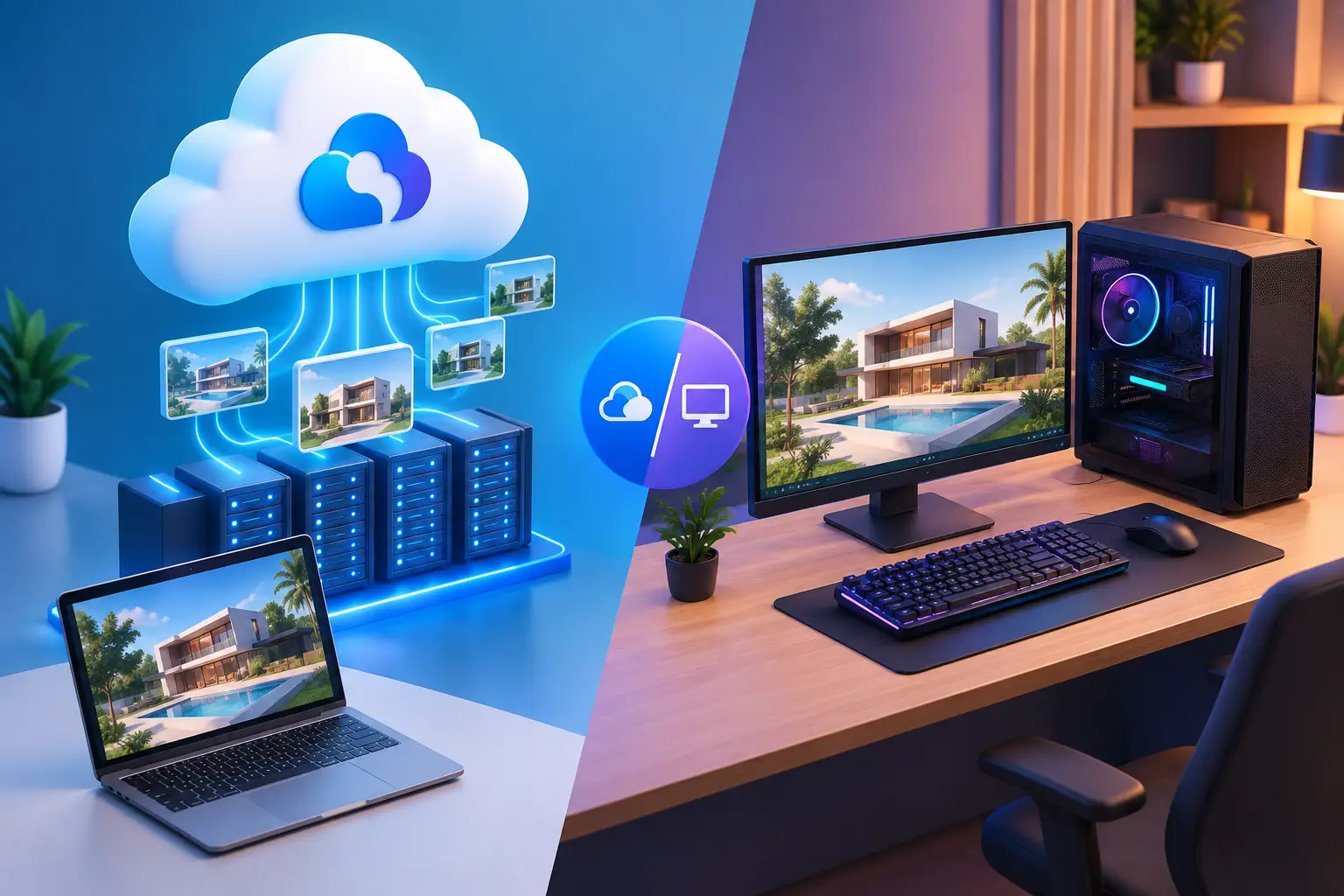
A powerful gaming computer can deliver an excellent gaming experience, but purchasing and maintaining high-performance hardware is not always practical. Cloud computing offers another approach: a virtual gaming PC that runs remotely and streams its desktop to your device over the internet.
For gamers exploring a Shadow PC alternative, comparing cloud PC services, pricing models, and available hardware can help identify the right option. Whether you play occasionally or need a remote Windows computer for regular gaming, the best choice depends on your requirements and budget.
What Is a Virtual Gaming PC?
A virtual gaming PC is a remote computer equipped with computing resources suitable for running compatible PC games. Instead of processing games entirely on your local machine, the remote computer handles the workload and streams the result to your device.
Unlike game-streaming platforms that restrict access to a predefined catalog, a full cloud PC provides a Windows desktop where you can install compatible games, launchers, and applications.
This flexibility can be useful for gamers who want access to their existing game libraries without investing in a new gaming desktop.
What to Look for in a Shadow PC Alternative
Before selecting a cloud PC provider, consider the features that matter most to your gaming experience.
-
Flexible pricing: Compare hourly, daily, and monthly options according to how often you play.
-
GPU performance: Check the available graphics hardware, CPU, RAM, and storage.
-
Game compatibility: Verify that your preferred games, launchers, and anti-cheat systems work in the remote environment.
-
Persistent storage: Look for a service that retains installed games, files, and settings between sessions.
-
Connection quality: Server location, network latency, and internet stability influence responsiveness.
Comparing these features can help you find a service that suits both your gaming needs and budget.
Is a Free Cloud PC Available?
Many gamers search for a free PC in the cloud before committing to a paid service. Free game-streaming tiers, promotional credits, and remote-access applications can provide ways to explore cloud gaming at little or no initial cost.
However, a free game-streaming service is not necessarily a complete virtual gaming PC. Free tiers may restrict game selection, session duration, or access to computing resources. Remote-access tools generally require you to own and maintain the computer being streamed.
A full cloud PC with dedicated computing resources usually involves a cost. Before choosing a provider, check its current pricing, trial conditions, and usage limits.
Why Consider SensePC?
SensePC offers a full Windows 11 cloud gaming PC with GPU resources, providing an alternative to buying a dedicated high-performance computer.
One of its main differences is flexible access. Users can choose Hourly, Daily, or Monthly plans instead of committing immediately to a recurring subscription. This can be useful for occasional gamers or people whose computing needs change over time.
SensePC's Xtreme gaming configurations use NVIDIA L4 graphics, with CPU, memory, and storage specifications varying by tier. Supported Xtreme plans have Steam and Epic Games Launcher ready, allowing users to sign in to their accounts and install compatible games they own.
Persistent SSD storage keeps installed games and files available between sessions. Users can connect from supported Windows and macOS computers, while Chromebook access is available through a supported browser.
To decide whether SensePC suits your needs, compare the current plan costs, available regions, hardware specifications, and compatibility of your preferred games.
Explore the SensePC cloud gaming platform for a closer look at how its flexible billing compares with Shadow PC.
Final Thoughts
Finding the right Shadow PC alternative starts with understanding what you need from a cloud computer. A virtual gaming PC offers greater control than a fixed game-streaming catalog, while flexible billing may benefit players who do not need a remote computer every day.
Compare performance, compatibility, storage, and total costs before choosing a provider. With the right cloud PC, you can access a capable gaming environment without purchasing all the hardware yourself.
What's Your Reaction?
 Like
0
Like
0
 Dislike
0
Dislike
0
 Love
0
Love
0
 Funny
0
Funny
0
 Angry
0
Angry
0
 Sad
0
Sad
0
 Wow
0
Wow
0