





























Why Does Internet Speed Drop During Peak Hours?
Understand why internet speed may drop during peak hours, including network congestion, multiple connected devices, and Wi-Fi interference. Learn practical ways to improve internet performance and choose a suitable broadband connection.

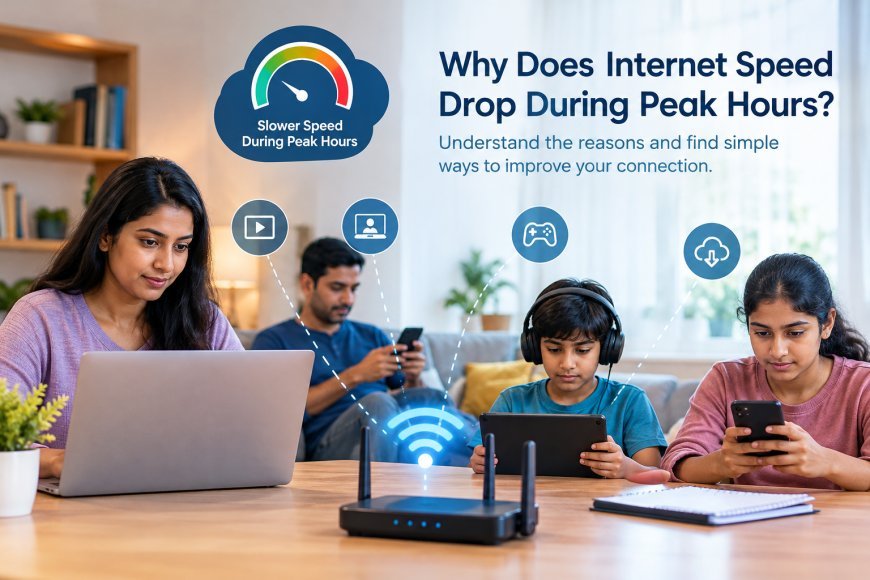
Have you noticed your internet connection becoming slower in the evening, even when it works well during the day? This can happen during peak hours, when more people are online and using the internet simultaneously. Streaming videos, attending online meetings, downloading files, and playing online games can all contribute to increased network traffic.
What Causes Internet Speed to Drop During Peak Hours?
1. Increased Network Traffic
During evenings and weekends, many users may access the internet at the same time. Depending on the network's capacity and traffic management, this increased demand can affect connection speeds.
2. Multiple Devices Using the Same Connection
At home, several devices may be connected to the same Wi-Fi network. When family members stream videos, download large files, or join video calls simultaneously, the available bandwidth is shared among those activities.
3. Wi-Fi Interference and Signal Strength
Slow internet is not always caused by network congestion. Walls, distance from the router, and interference from other wireless devices can also reduce Wi-Fi performance, especially in certain rooms.
4. Broadband Network or Equipment Issues
Network congestion, router performance, and temporary service problems can affect internet speed. If the slowdown happens regularly across multiple devices, the issue may require further investigation.
How Can You Improve Internet Performance During Peak Hours?
-
Pause large downloads when you need a stable connection for work or online classes.
-
Position your router in a central, open location.
-
Disconnect devices that are not in use.
-
Use an Ethernet cable for activities that require a more consistent connection.
-
Run a speed test at different times of the day to identify recurring slowdowns.
If speeds remain consistently lower than expected, contact your internet service provider to check for network issues and review whether your current plan meets your household's needs.
Choosing a Broadband Connection for Everyday Use
A suitable broadband connection should support your household's regular internet activities, including streaming, online learning, remote work, and browsing. When comparing broadband plans in Kerala, consider advertised speeds, connection type, network performance, and service availability in your locality.
What's Your Reaction?
 Like
0
Like
0
 Dislike
0
Dislike
0
 Love
0
Love
0
 Funny
0
Funny
0
 Angry
0
Angry
0
 Sad
0
Sad
0
 Wow
0
Wow
0